

Our Verdict
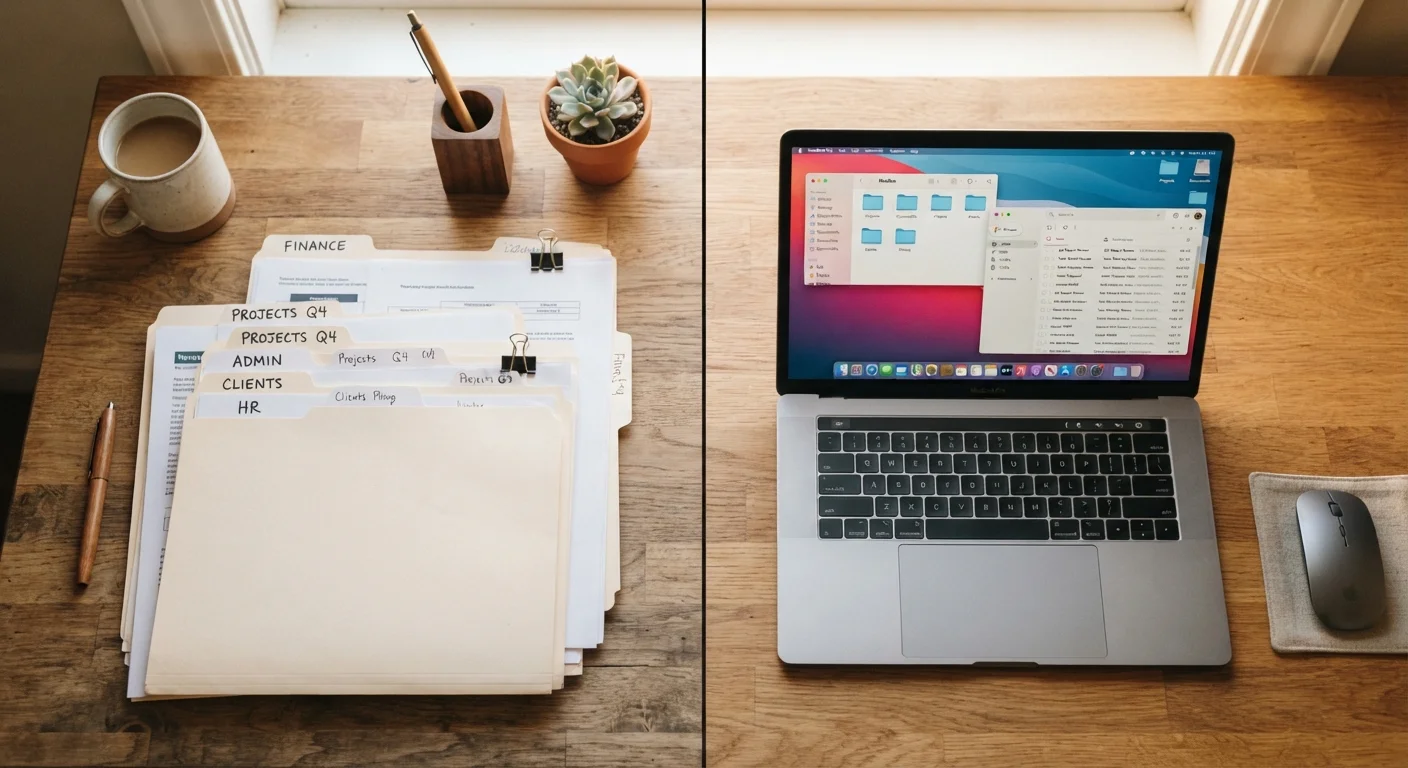
Neither paper clutter nor digital clutter is inherently harder to manage — the key is matching your strategy to the type of chaos. Paper clutter benefits from physical systems and a decision-making routine at the door; digital clutter requires intentional folder structures, inbox rules, and periodic purges. Most families will need to address both simultaneously for lasting results.
| Best for | Recommended |
|---|---|
| Families overwhelmed by incoming mail, school forms, and printed documents | Paper-first organizing with a dedicated inbox tray and weekly sort session |
| Households drowning in unread emails, duplicate photos, and desktop chaos | Digital-first organizing with folder hierarchies and automated email filters |
| Busy families dealing with both types of clutter simultaneously | Hybrid approach: tackle paper systems and digital systems in parallel using scheduled routines |
Why These Two Types of Clutter Feel So Different
Paper clutter occupies physical space. It piles up on countertops, colonizes the kitchen table, and creates a visible, tangible mess that can make an entire room feel chaotic. Digital clutter, by contrast, is invisible — yet an overflowing inbox, a desktop buried in files, or thousands of unsorted photos can generate just as much mental friction. Understanding why clutter feels so overwhelming is the first step to addressing either kind.
The two types of clutter also accumulate differently. Paper tends to arrive in bursts — mail deliveries, school backpacks, receipts from errands — then sits untouched because no clear home exists for it. Digital clutter grows continuously and quietly: emails arrive around the clock, photos multiply with every family outing, and downloads folder contents build unnoticed. Because digital clutter lacks a physical footprint, families often underestimate how much cognitive load it adds until the situation becomes genuinely unmanageable.
Strategies That Work for Paper Clutter
The most effective paper management systems share one quality: they remove decision-making from the accumulation point. Rather than setting paper down with a mental note to deal with it later, a structured intake routine sorts everything immediately into one of three categories — act, file, or shred/recycle.
- Create a single landing zone. A small tray or wall-mounted sorter near the entryway gives incoming paper one designated spot, preventing it from spreading across every surface.
- Schedule a weekly sort session. Fifteen minutes once a week to process the tray is far more sustainable than monthly marathon sessions. This is also a good moment to involve older kids in handling their own school paperwork.
- Use labeled folders, not stacks. Categories like "To Pay," "To File," "Medical," and "School" give each document a clear destination. Vertical file holders take up minimal counter space.
- Digitize what you can. Receipts, instruction manuals, and warranty cards are strong candidates for scanning and storing digitally — reducing paper volume without losing the information. See our guide on when to digitize vs. dispose of items for help deciding what's worth keeping in physical form.
The 'Touch It Once' Rule for Paper
When you pick up a piece of paper — mail, a school flyer, a receipt — make a decision about it immediately rather than setting it back down. Act on it, file it, or discard it. This single habit eliminates the majority of surface clutter in most homes. It takes a few weeks to build the reflex, but the payoff is significant.
Strategies That Work for Digital Clutter
Digital organizing requires a slightly different mindset because the clutter has no weight, no smell, and no visible mess — making it easy to defer indefinitely. The goal is to build structures that make the right action easier than inaction.
| Paper Clutter | Digital Clutter | |
|---|---|---|
| Visibility | Physically visible; immediate impact on space | Invisible; impacts mental load only |
| How it accumulates | Arrives in bursts; mail, forms, receipts | Grows continuously; email, photos, downloads |
| Primary organizing tool | Labeled folders, intake tray, weekly sort | Folder hierarchy, email filters, quarterly purge |
| Prevention strategy | Opt for digital; reduce physical subscriptions | Unsubscribe, delete duplicates, limit downloads |
| Effort to maintain | 15 min/week sort session | Daily inbox reset + quarterly purge |
| Family involvement | Easy to assign tasks to older children | Requires individual account-level access |
- Build a folder hierarchy before you need it. For email, folders organized by category (Bills, School, Work, Medical) allow messages to be moved out of the inbox as soon as they're read. Most email apps let you create automated filter rules that do this sorting for you.
- Unsubscribe ruthlessly. Promotional emails are the paper junk mail of the digital world. Spending 10 minutes unsubscribing from newsletters you never read reduces the incoming volume immediately and permanently.
- Apply the "one album per event" rule to photos. Rather than scrolling through thousands of unsorted images, organize by event or month immediately after a trip or occasion. Delete duplicates and blurry shots while the event is still fresh.
- Set a quarterly digital purge date. Add a recurring calendar reminder every three months to review downloads, clear the desktop, and delete apps or files no longer in use.
If digital clutter has grown out of hand, breaking the task into smaller sessions — email one week, photos the next — prevents the overwhelm that causes most people to abandon the project entirely.
Building Habits That Prevent Both Types from Returning
One-time organizing sessions provide temporary relief, but clutter reliably returns without prevention habits in place. The same principles apply to both paper and digital: reduce what comes in, give everything a home, and maintain those homes consistently. For families with children, organizing strategies that work with kids in the house make a meaningful difference in how long any system holds.
Consider these cross-cutting habits:
- One-in, one-out for paper: When a new manual, policy document, or school form arrives, the outdated version leaves. The one-in, one-out rule applies equally well to physical and digital files.
- Default to digital when given the choice: Opt for e-statements, digital receipts, and online school portals wherever possible. Less paper arriving means less paper to manage.
- End each day with a two-minute reset: Clear the physical landing zone and process the email inbox to zero before closing the laptop. Brief, daily maintenance prevents backlogs from forming.
The goal isn't a perfectly sterile home or inbox — it's a system that's easy enough to maintain that it actually gets used. Small consistent actions, repeated daily, do more for long-term organization than any single deep-clean weekend. If you're also wondering whether broader home organization myths are keeping your family stuck, those beliefs are worth examining alongside these practical steps.
Don't Mistake Organizing Tools for Solutions
Buying more binders, storage boxes, or app subscriptions before addressing the volume of clutter you're managing can make the problem worse, not better. New containers without a reduction strategy simply give clutter a tidier place to hide. Focus first on reducing what comes in and deciding what to keep; then invest in organizing tools sized to what remains.
The content provided on our blog site traverses numerous categories, offering readers valuable and practical information. Readers can use the editorial team’s research and data to gain more insights into their topics of interest. However, they are requested not to treat the articles as conclusive. The website team cannot be held responsible for differences in data or inaccuracies found across other platforms. Please also note that the site might also miss out on various schemes and offers available that the readers may find more beneficial than the ones we cover.